SCREENSHOTS

MythLayer in play.

Real screenshots from real sessions. The fire crackles, the spell circle rotates, the dice land — but these stills give you the visual.
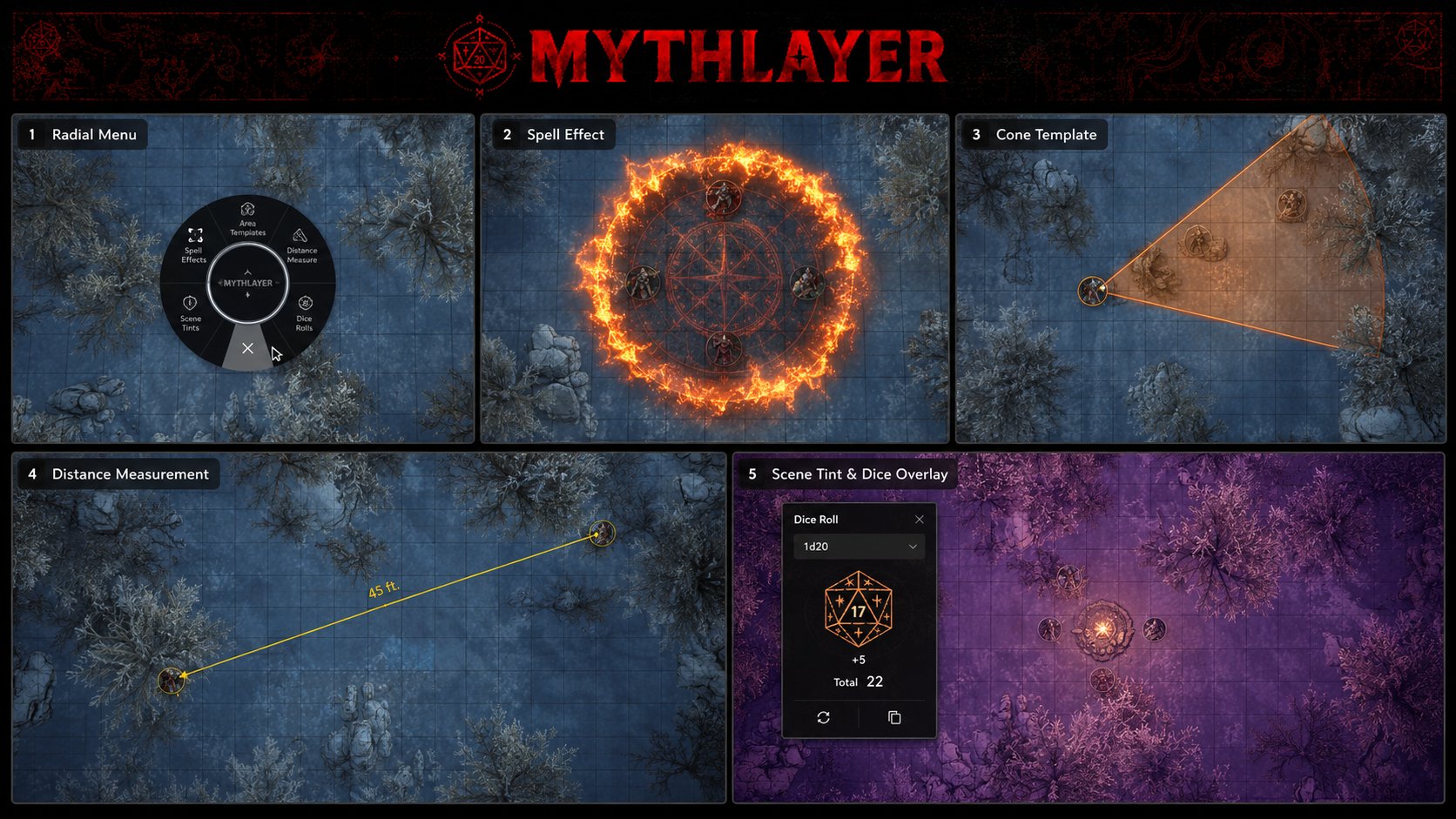
MythLayer feature showcase: radial menu, spell effect, cone template, distance measurement, and scene tint with dice overlay

FIVE FEATURES IN ONE GLANCE · RADIAL · SPELL CIRCLE · CONE · DISTANCE · TINT & DICE

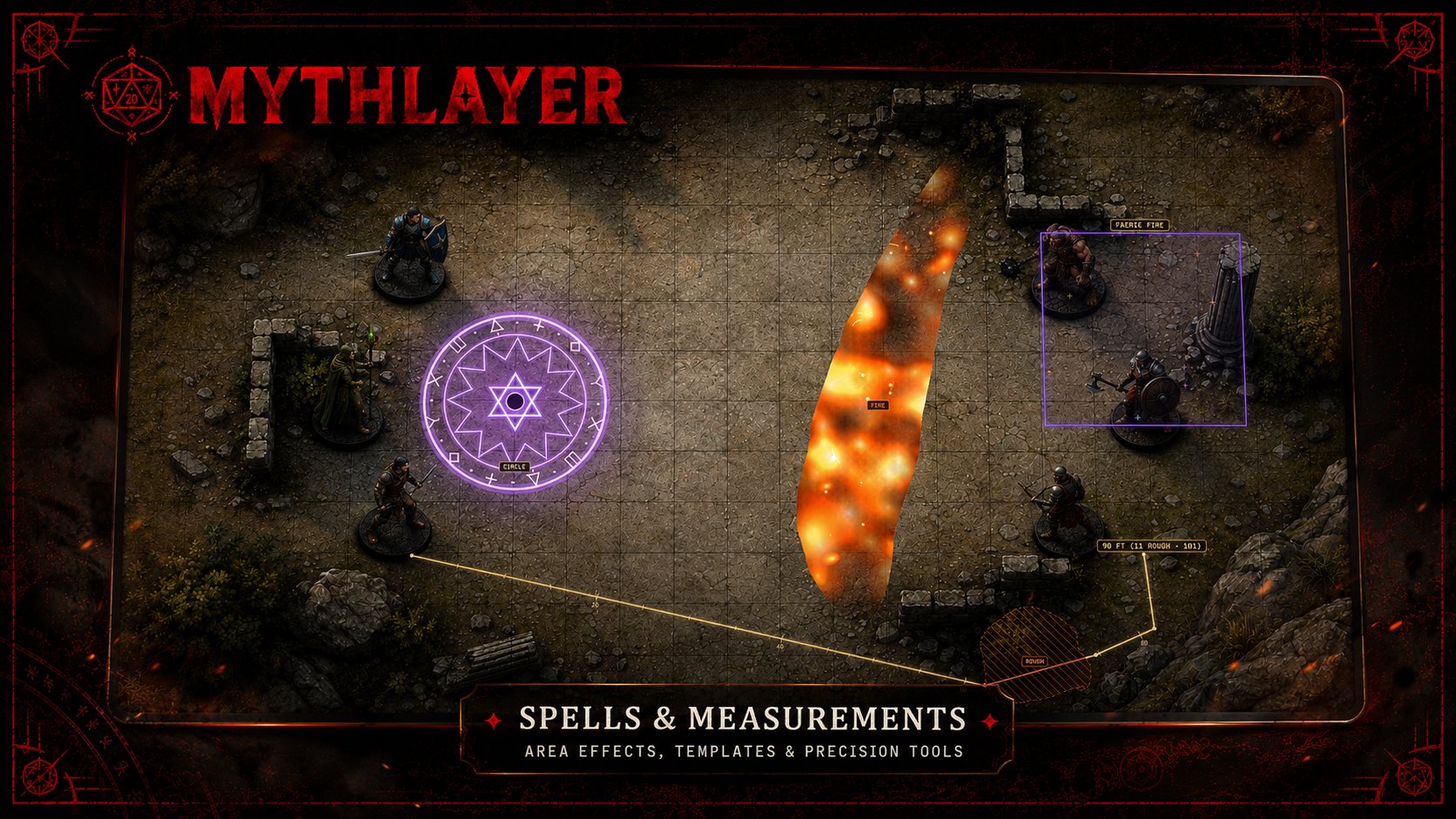
THE BIG SHOT

Everything at once.

A single battlemap with a spell circle, fire effect, faerie fire tag, and a distance measurement all running simultaneously.
PER-TOOL SHOTS

Each tool, in context.

A few shots per category so you know what each tool actually looks like on a real map.
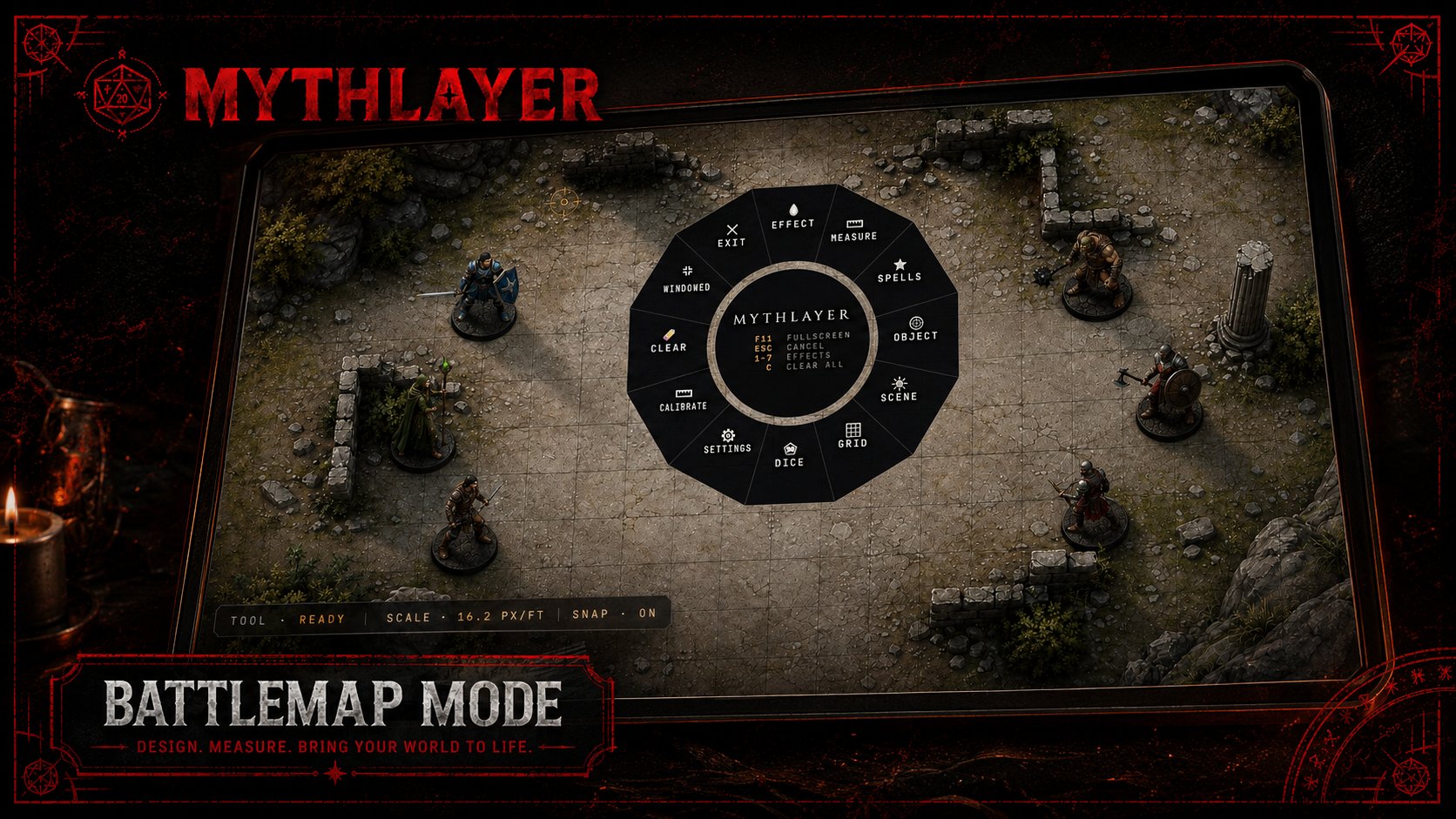
Radial menu

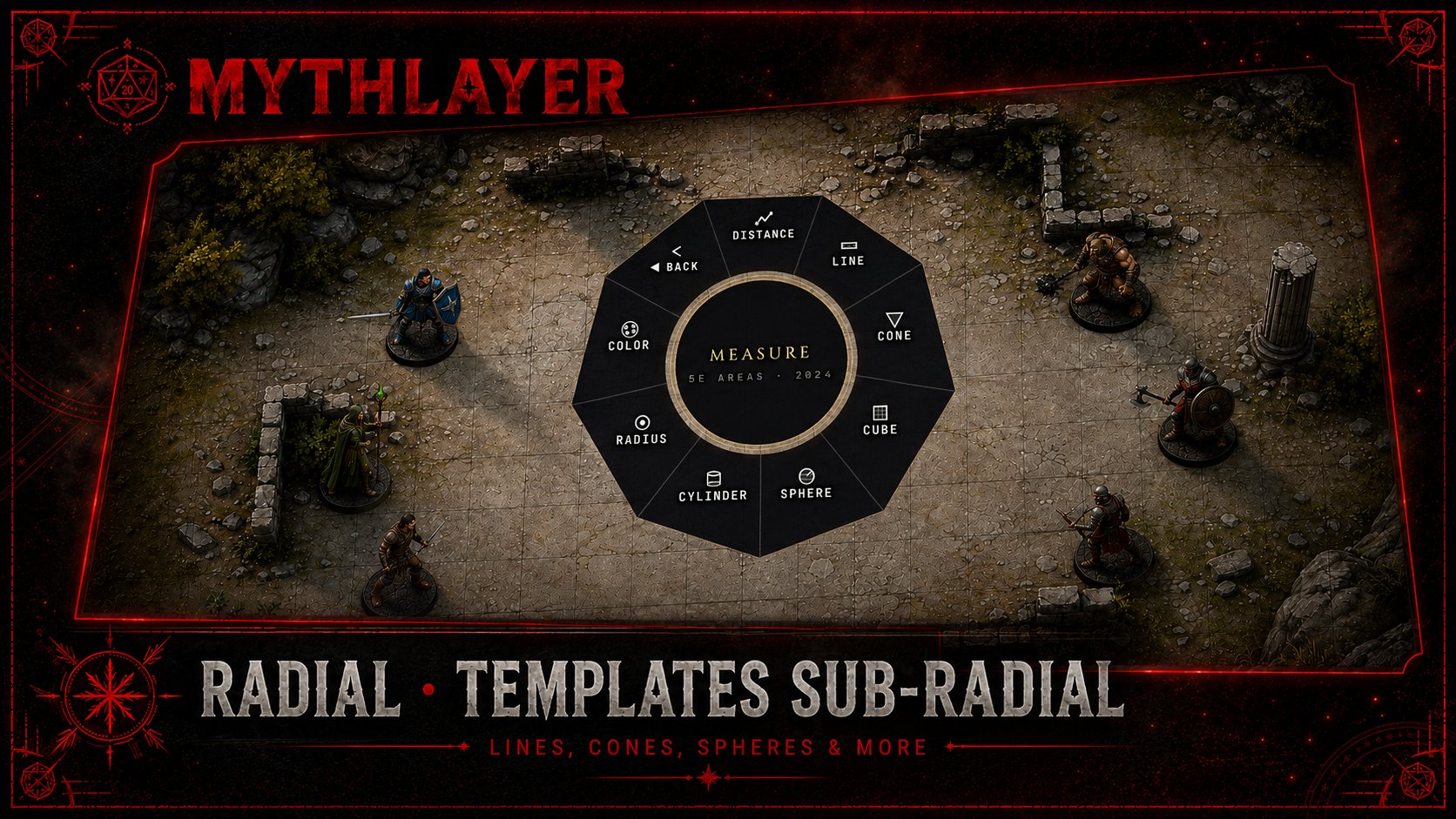
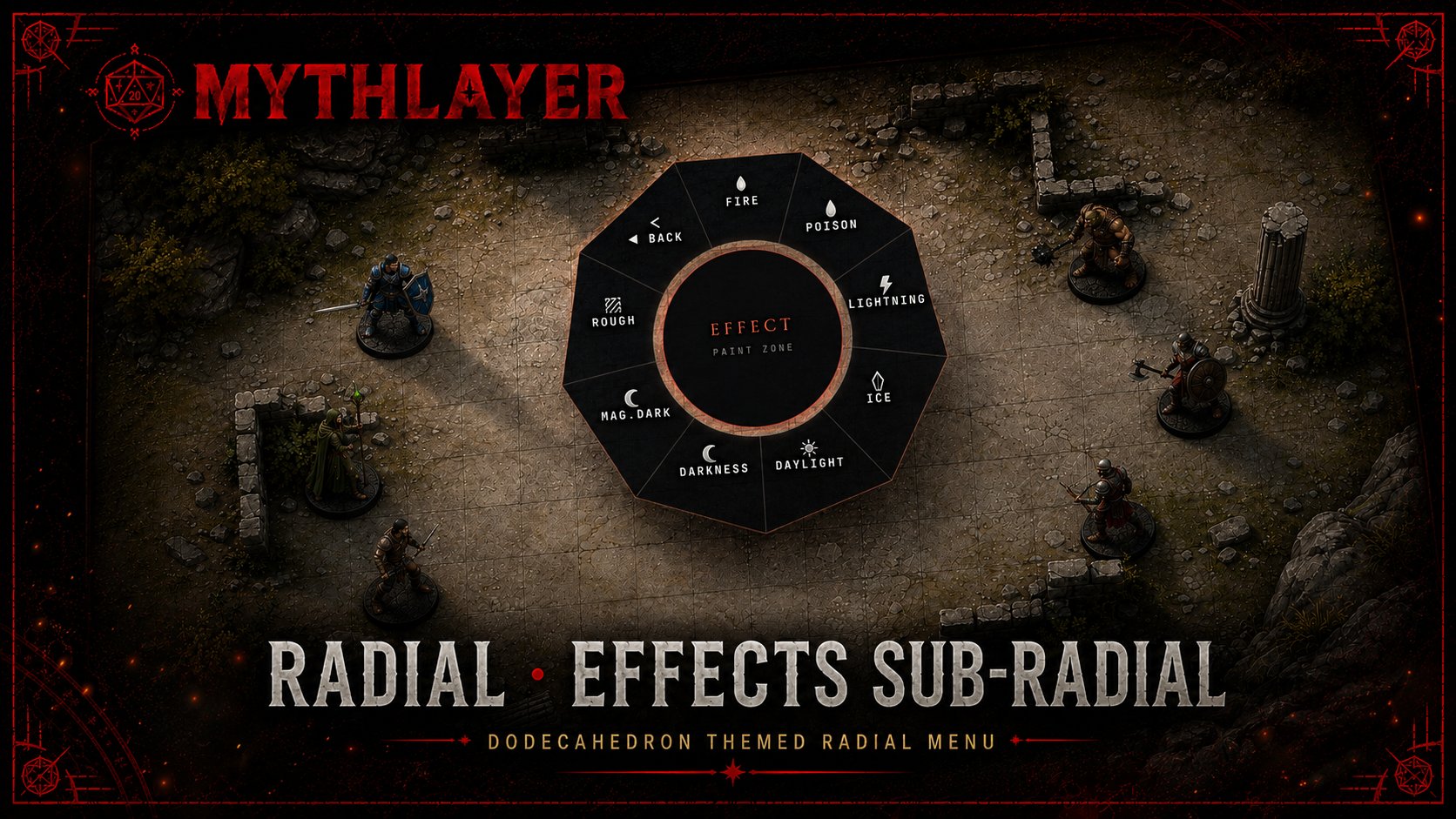
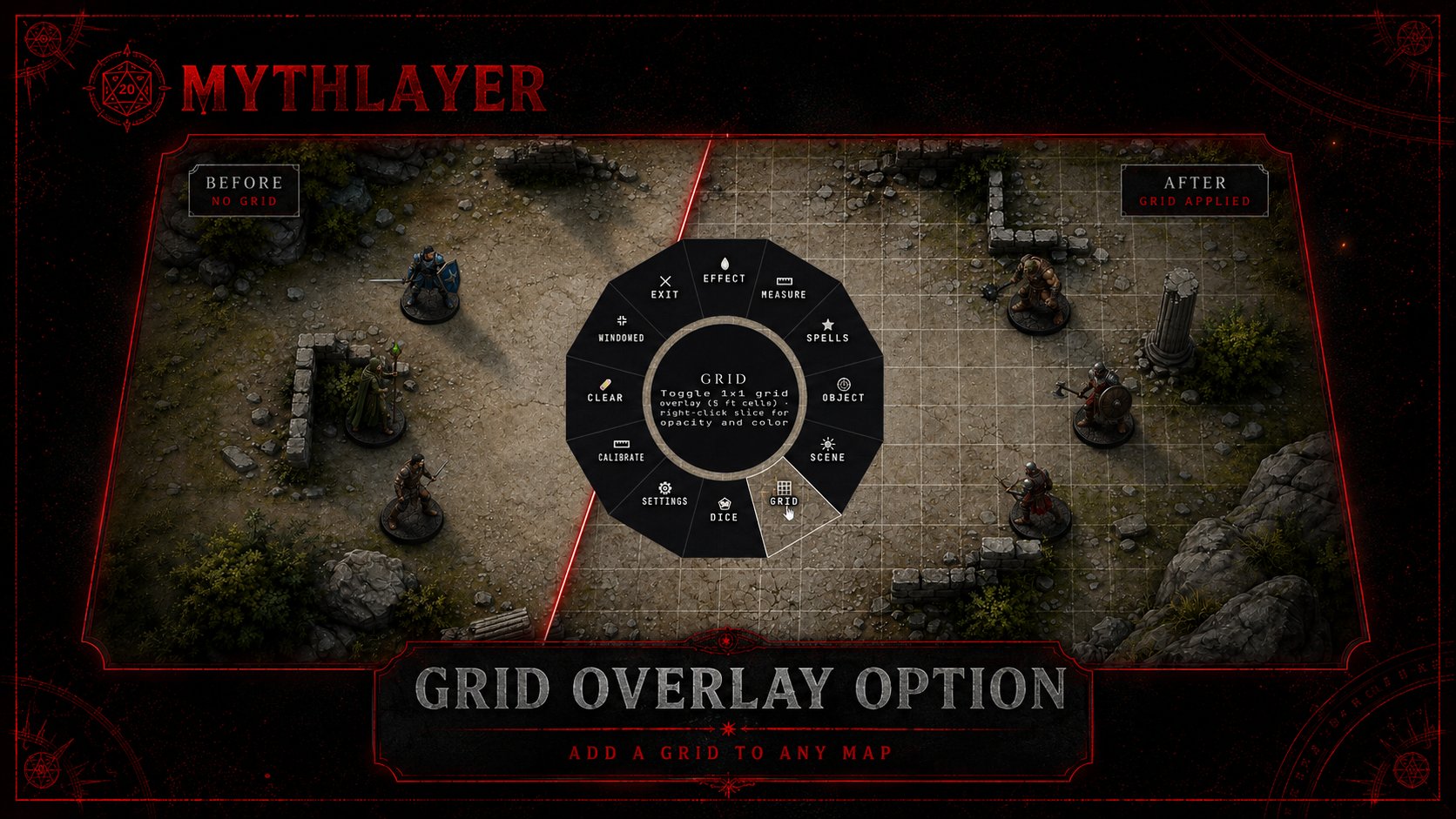
Radial menu top level — right-click reveals the main dodecagon menu Effects sub-radial — fire, lightning, ice, poison, and more effect types Templates sub-radial — distance, line, cone, cube, sphere, cylinder, radius

Spell effects

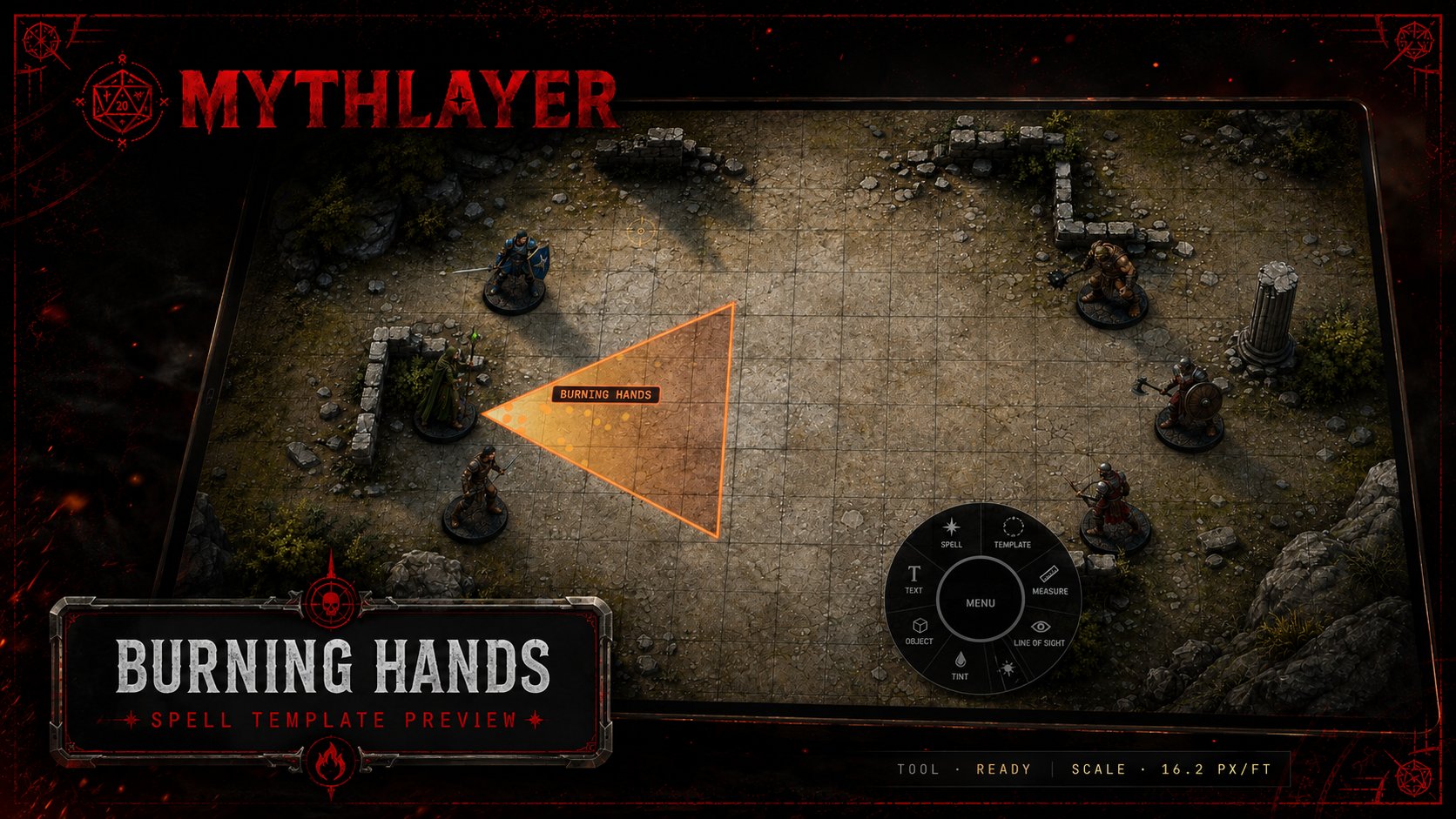
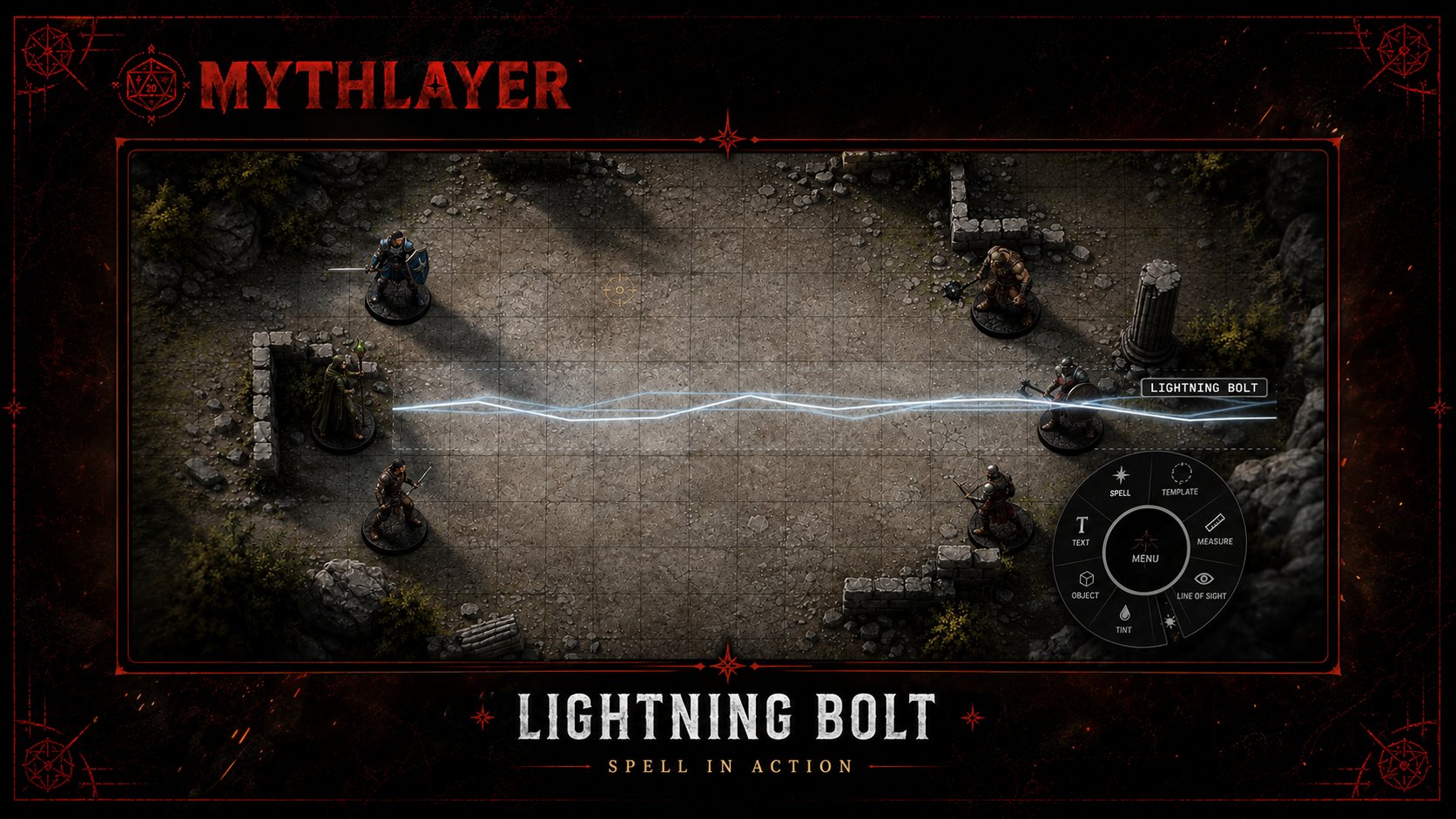
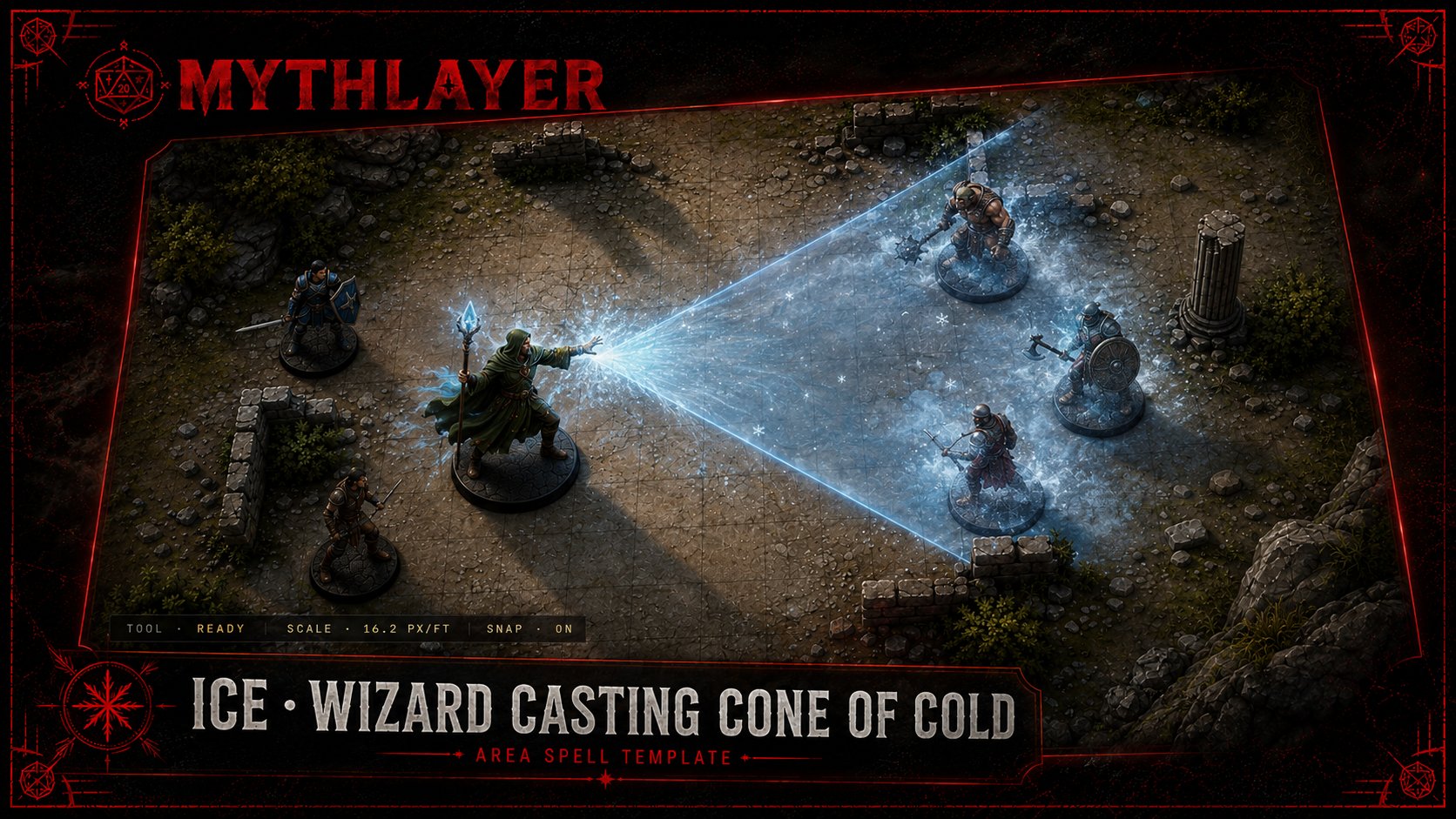
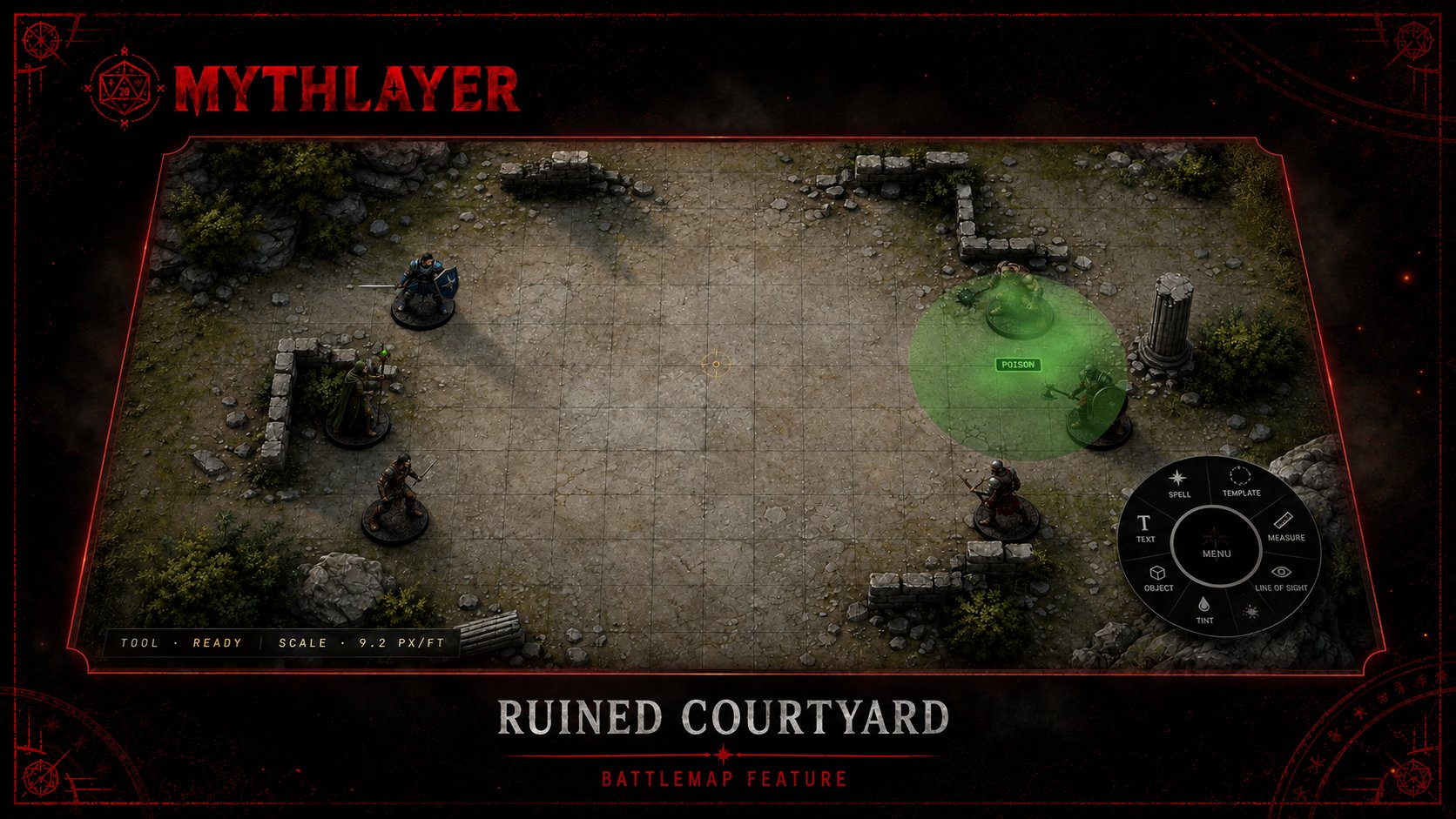
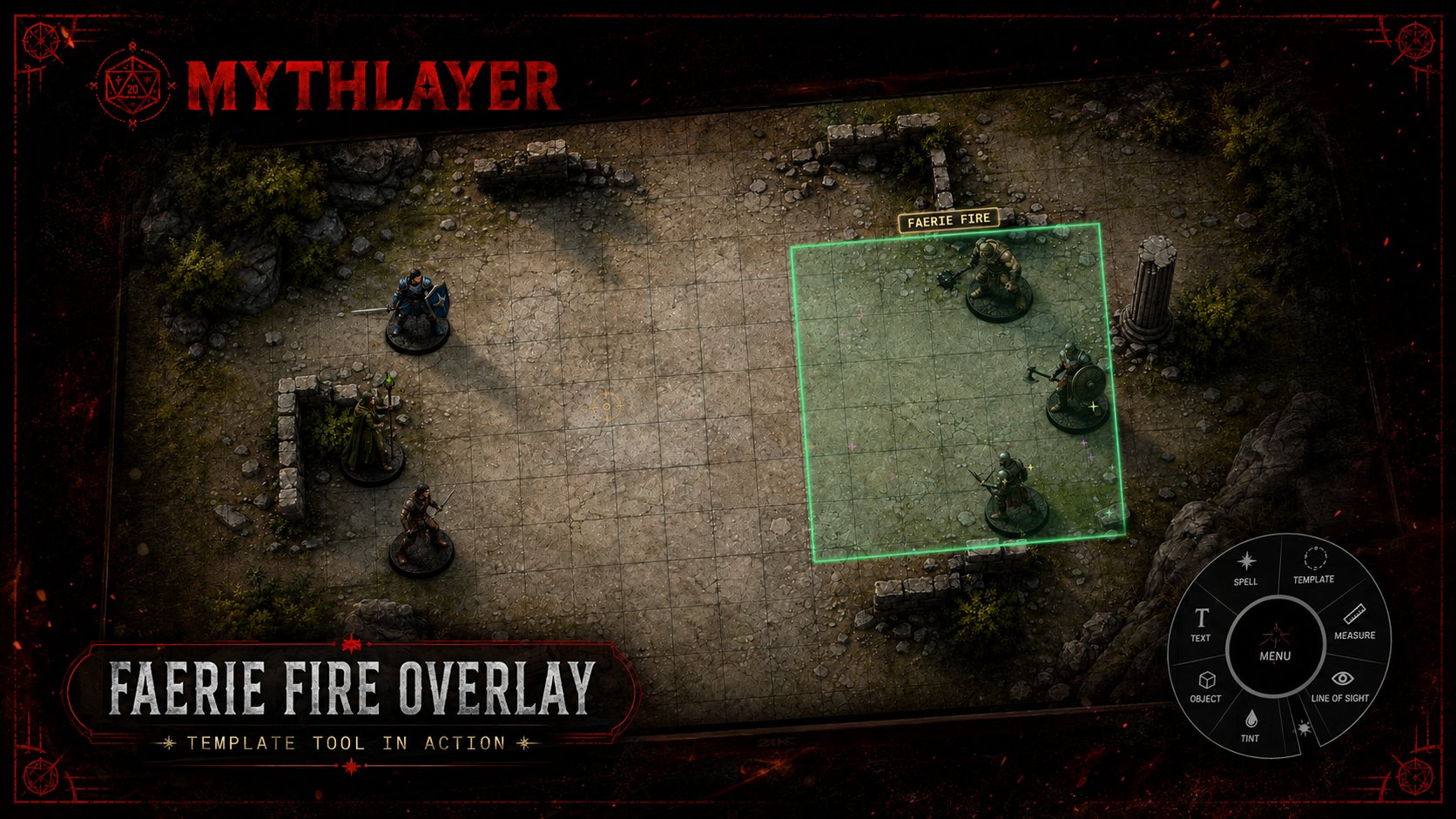
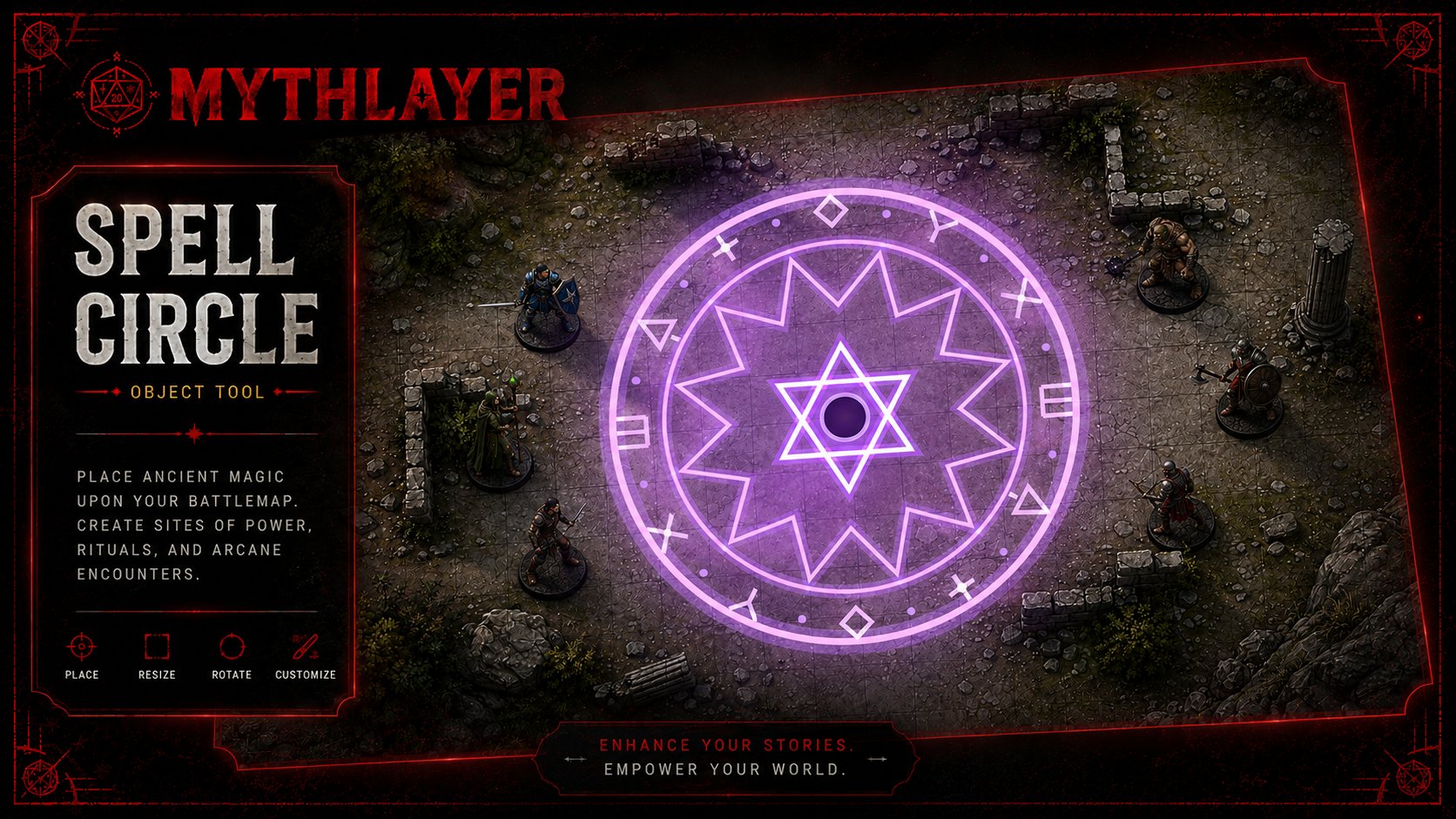
Fire — Burning Hands spell template preview Lightning Bolt — linear spell effect in action Ice — wizard casting Cone of Cold area spell template Poison Cloud — drifting noxious effect on a ruined courtyard battlemap Faerie Fire stack — overlay tagging four enemies in formation Spell Circle — customizable ritual object on the battlemap

Templates & measurement

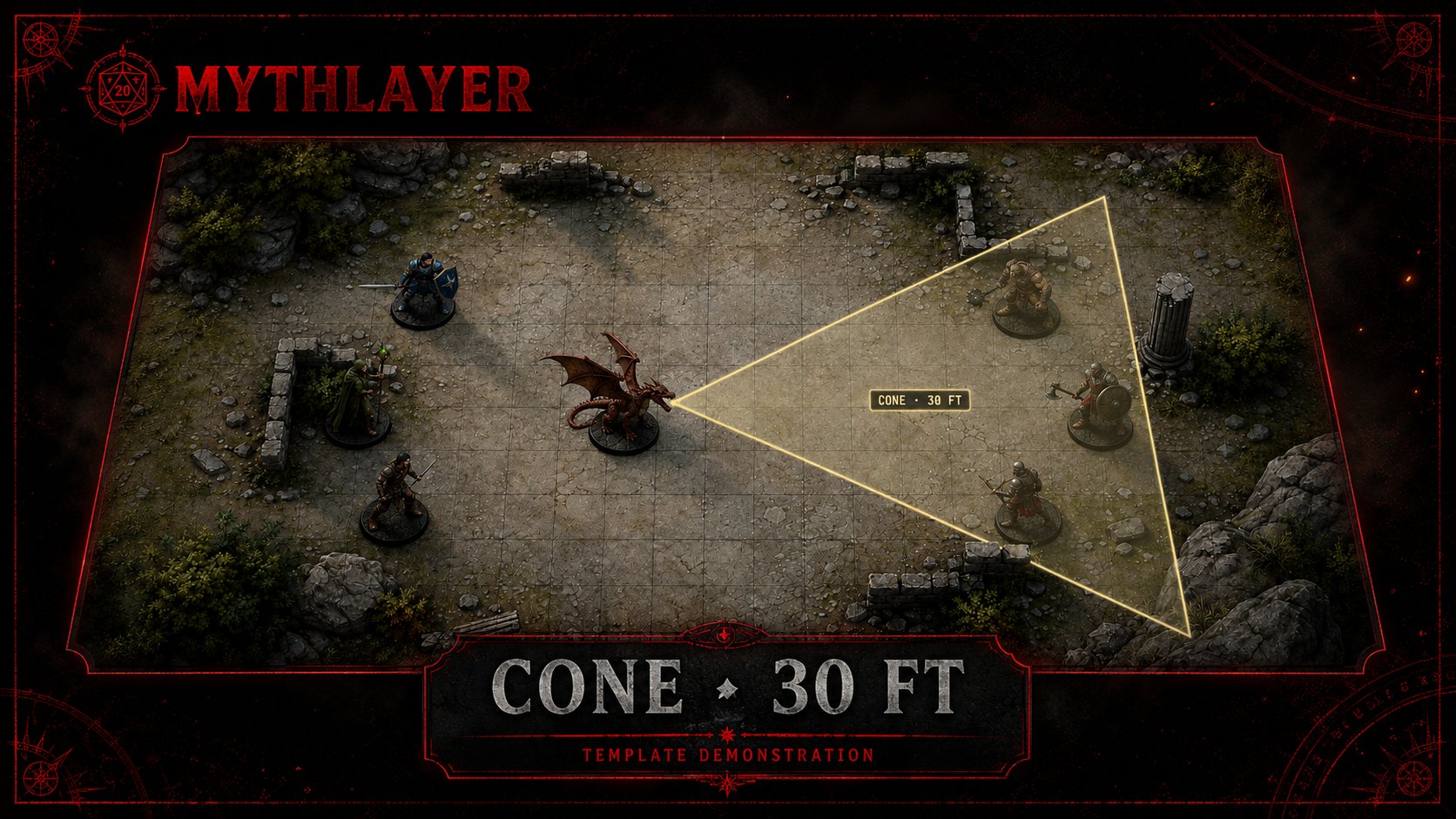
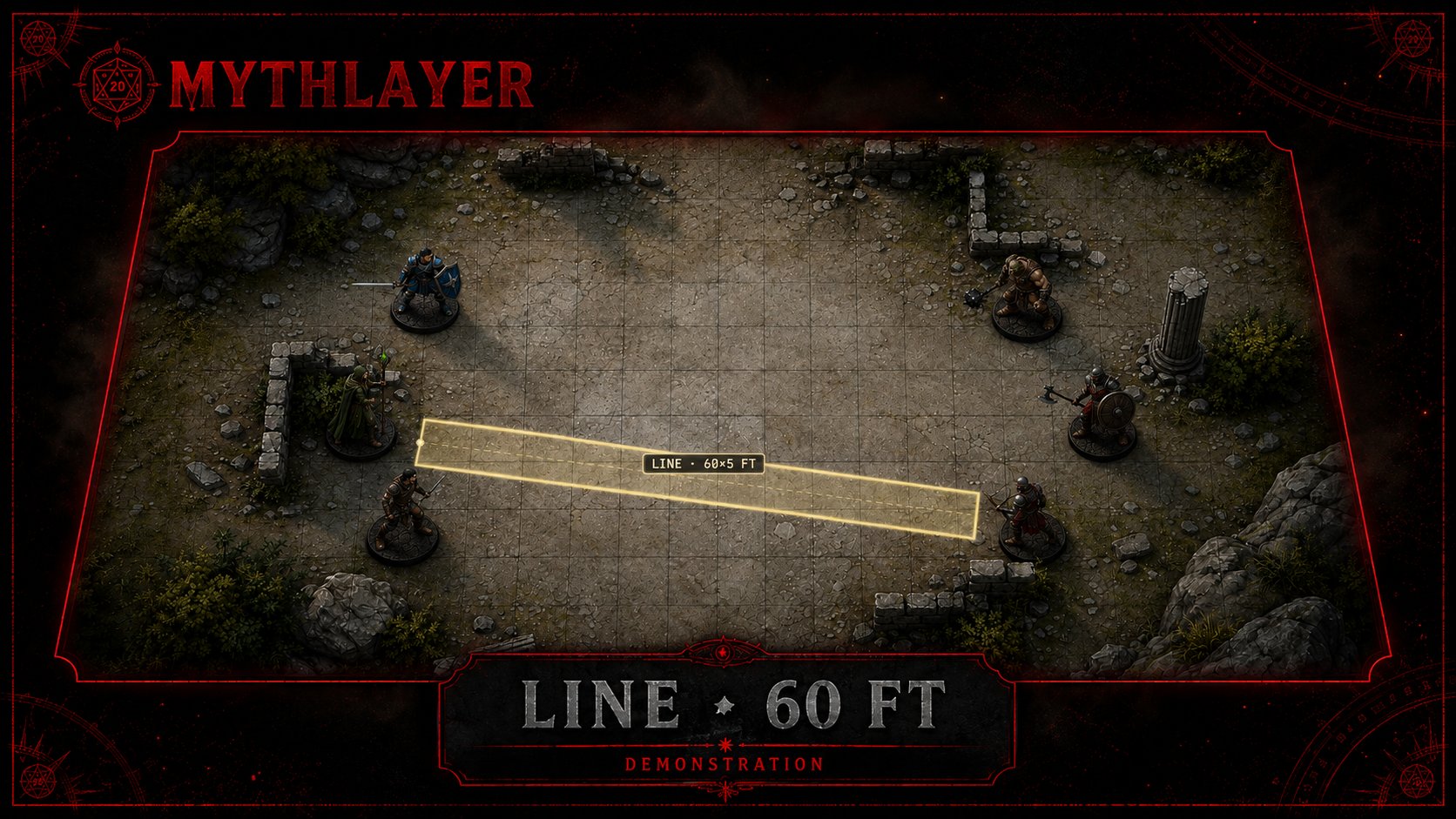
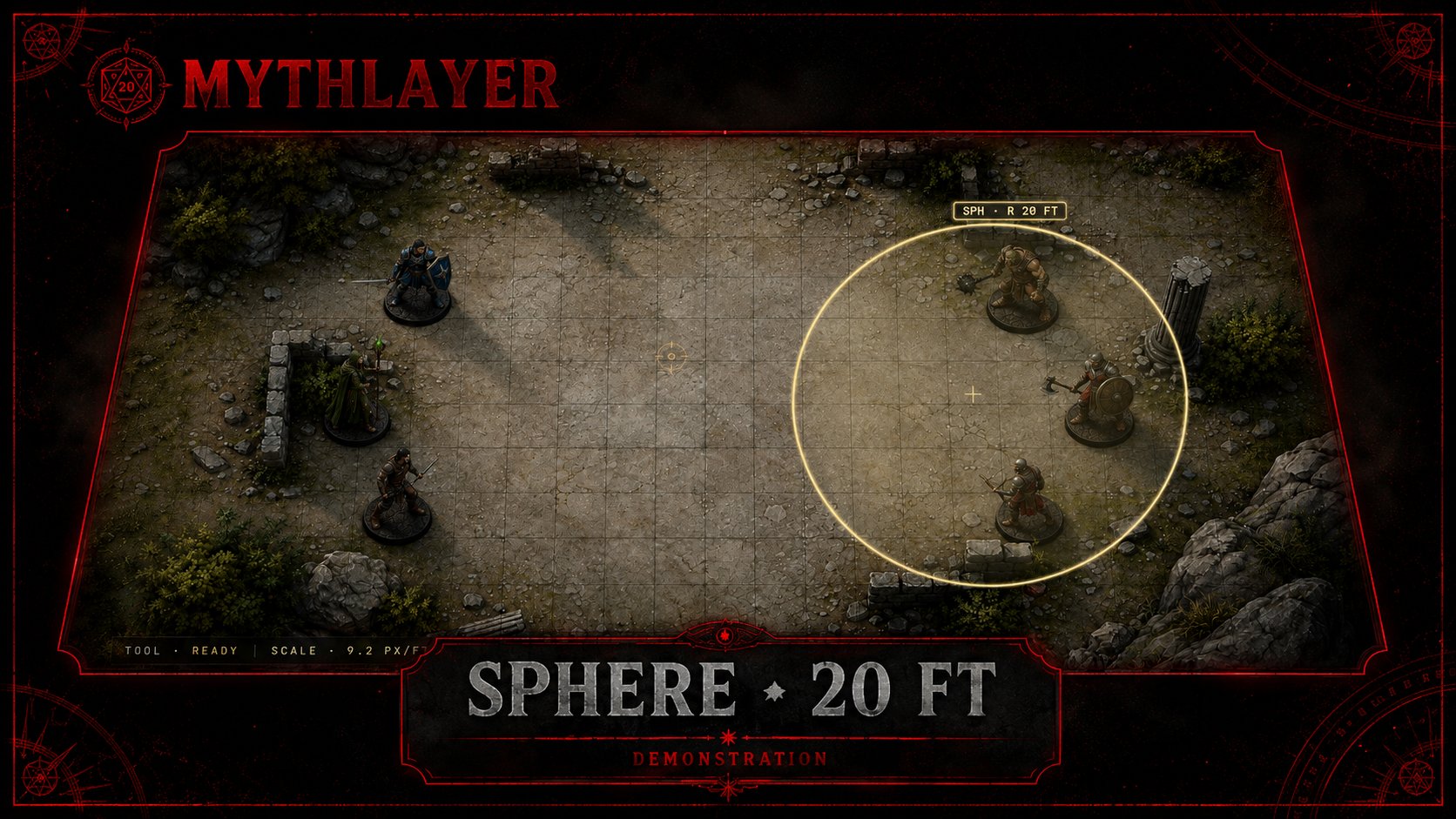
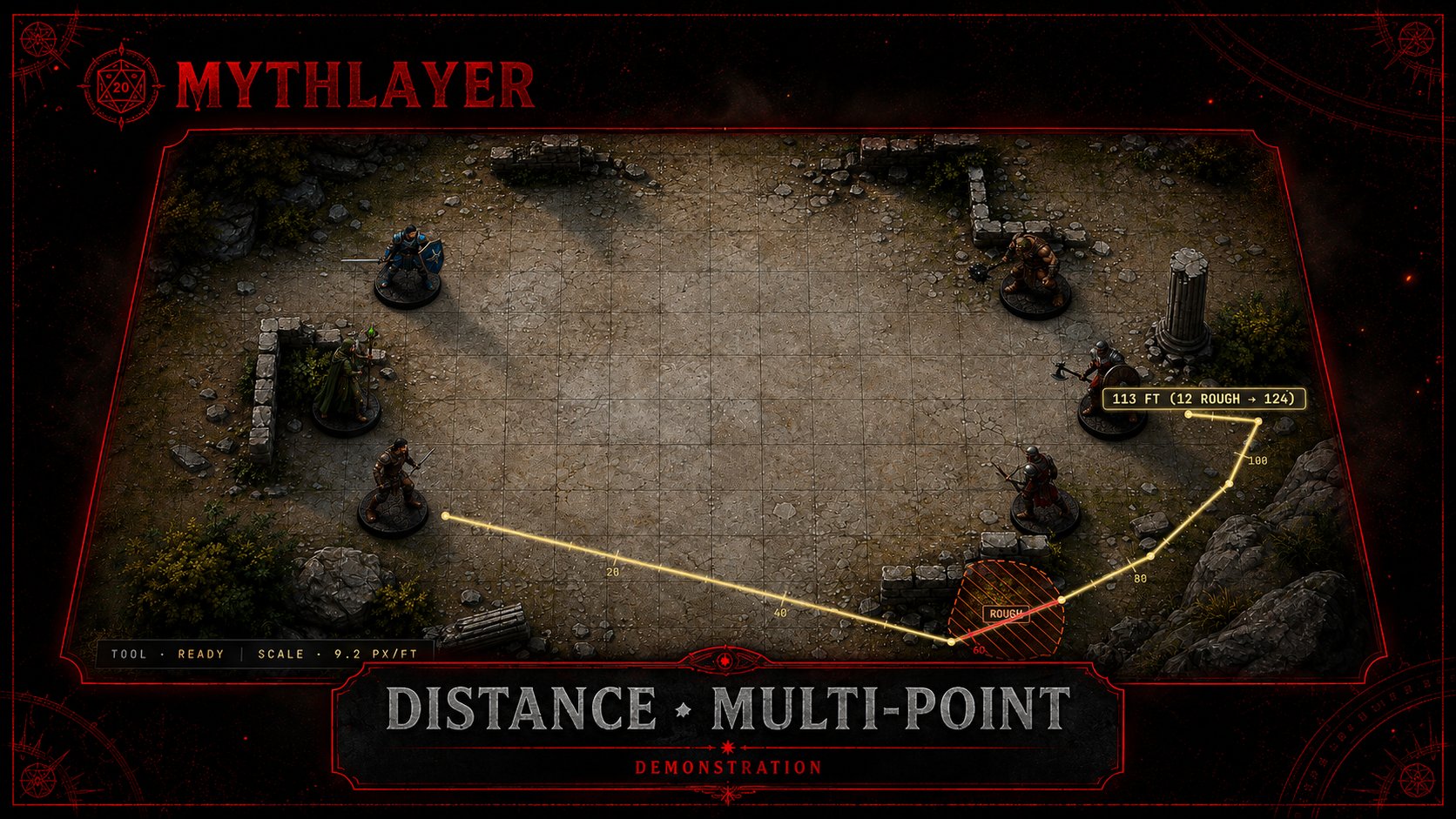
Cone · 30 ft — template demonstration with dragon at origin Line · 60 ft — 60 by 5 ft line template demonstration Sphere · 20 ft — radial template demonstration Distance · multi-point — 113 ft path with 12 ft of rough terrain factored in

Mood & utility

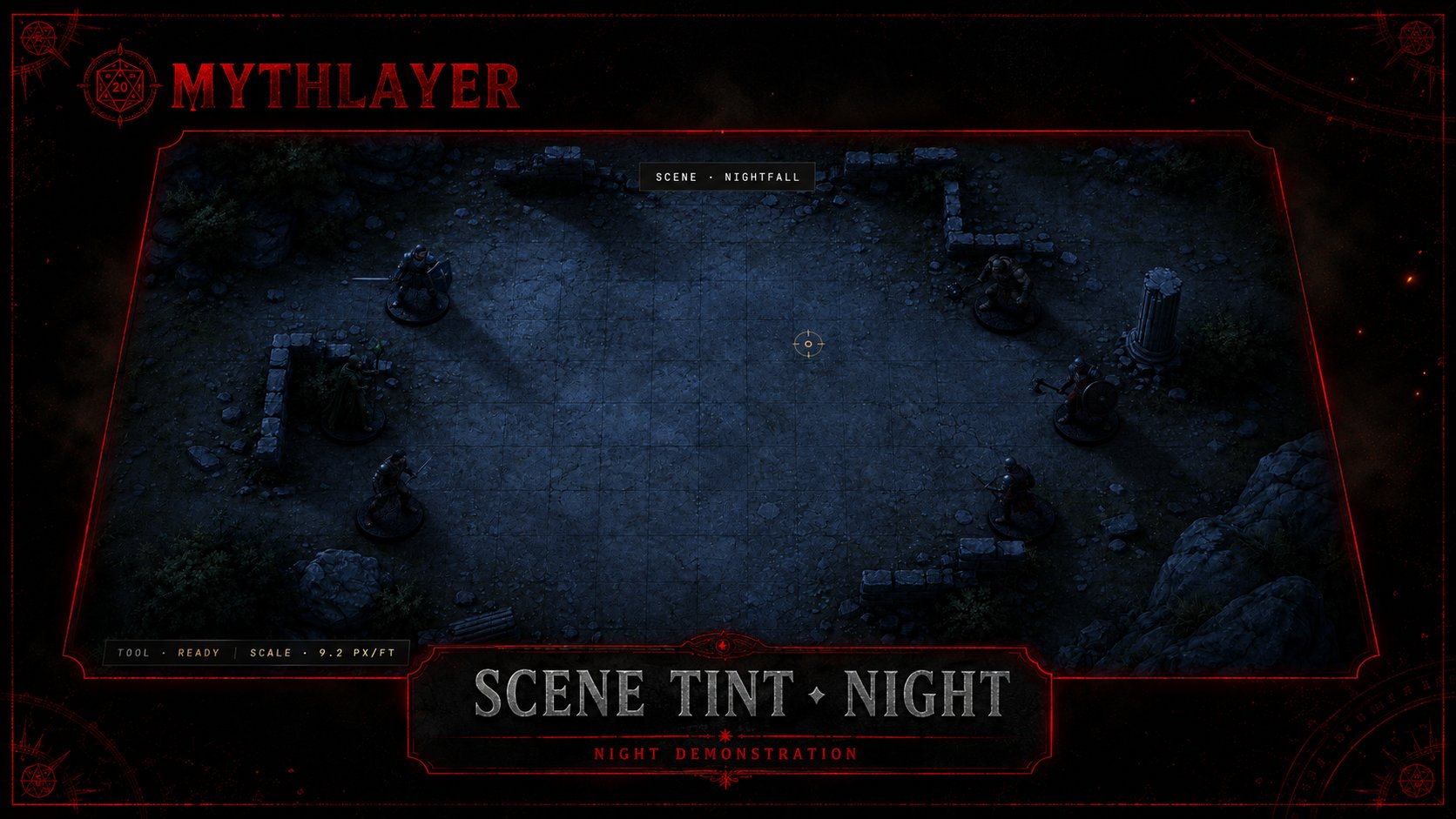
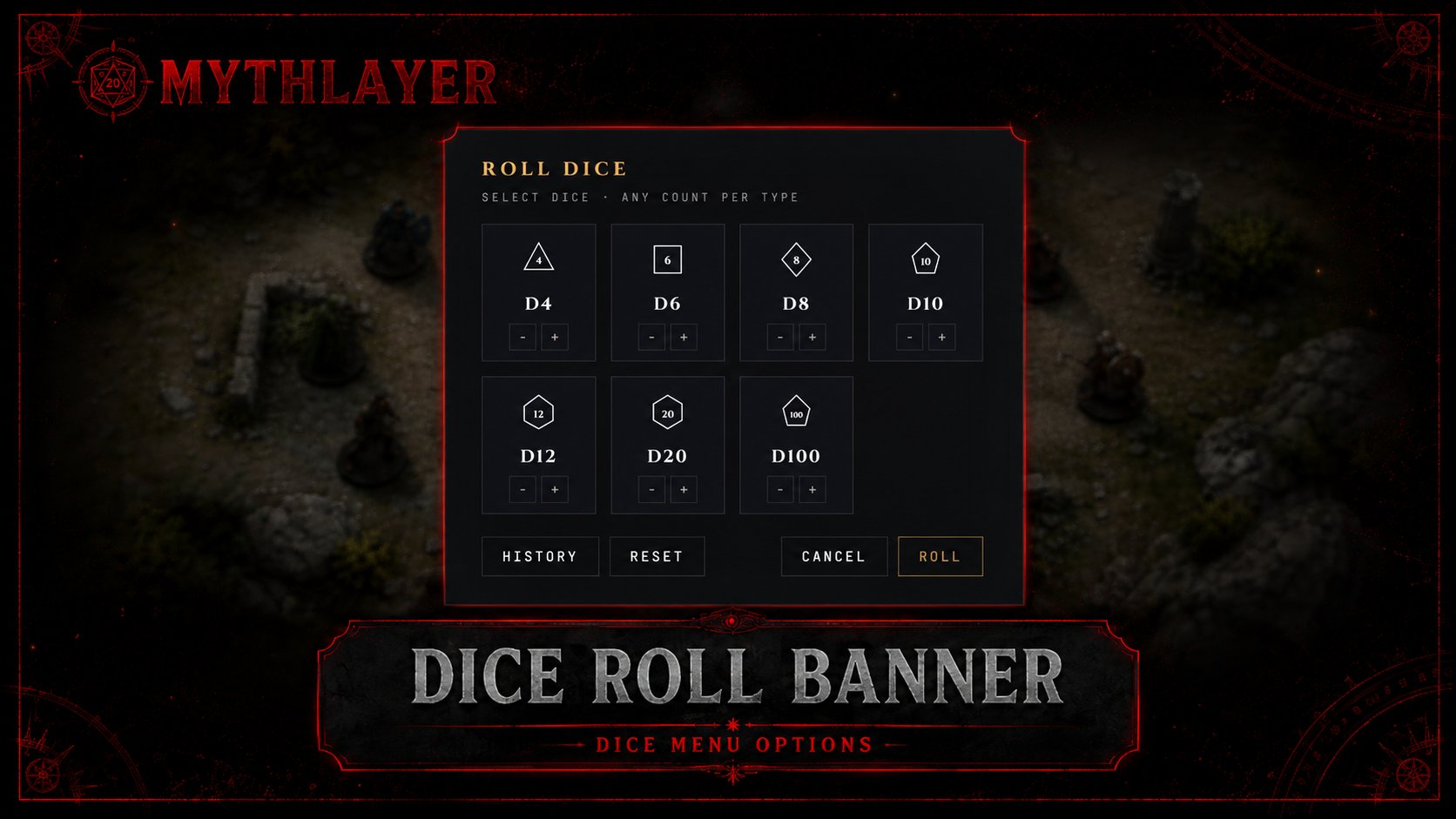
Scene Tint · Night — full-screen wash for a nightfall scene Dice Roll Banner — dice menu with D4 through D100 options Grid Overlay — before/after comparison with the grid tool applied

See it in motion.

Static images don't do the effects justice. Launch the demo to see fire flicker, the spell circle rotate, and faerie fire pulse.