FEATURES

Every tool in the kit.

MythLayer ships eleven categories of in-overlay tools, all reachable from the right-click radial. Here's what each one does and why it's there.
Heads up — MythLayer is a desktop Chrome tool. Mobile is fine for browsing; the overlay needs a desktop browser pointed at your battlemap display.
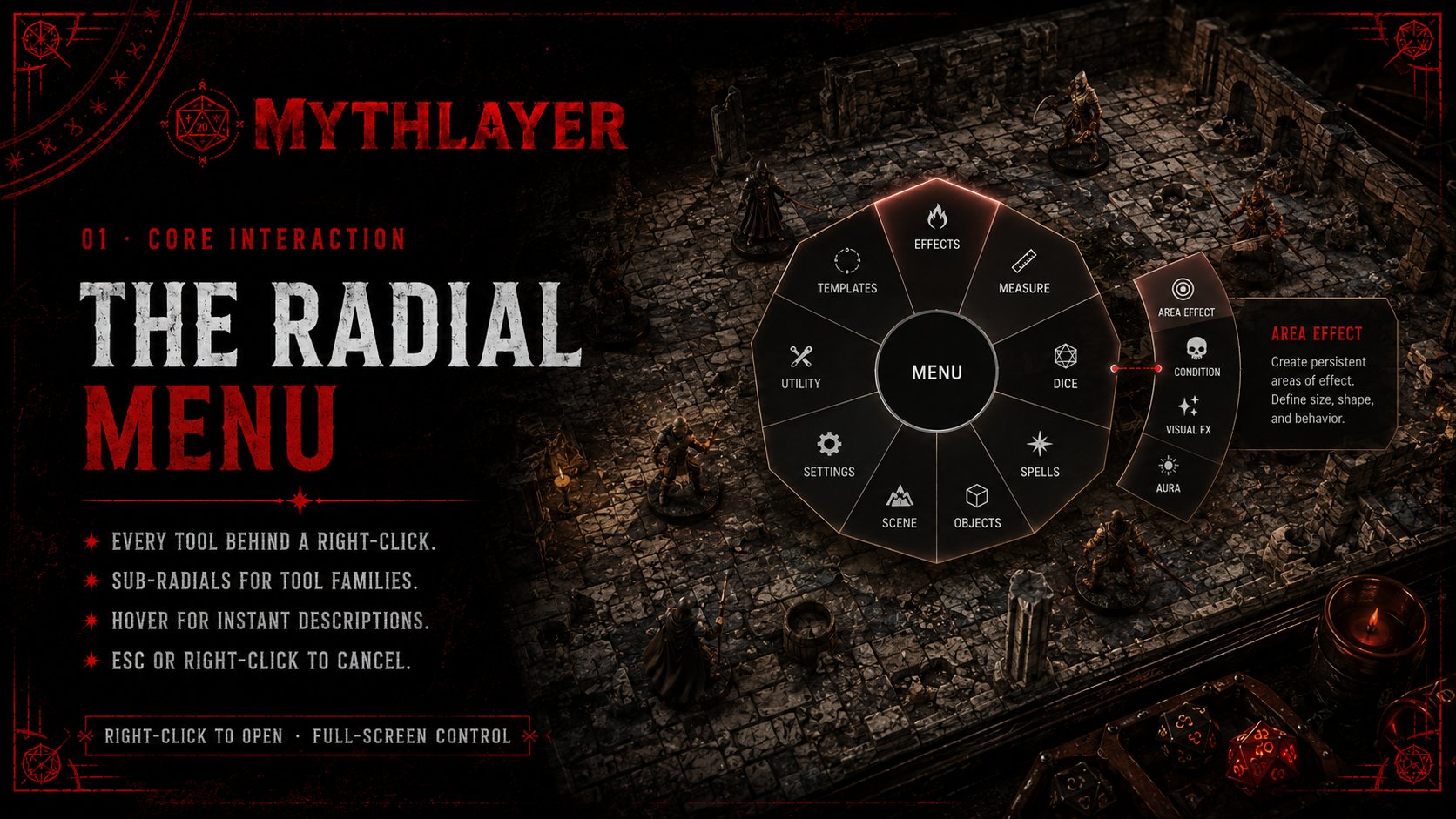
The Radial Menu — every tool behind a right-click, with sub-radials for tool families
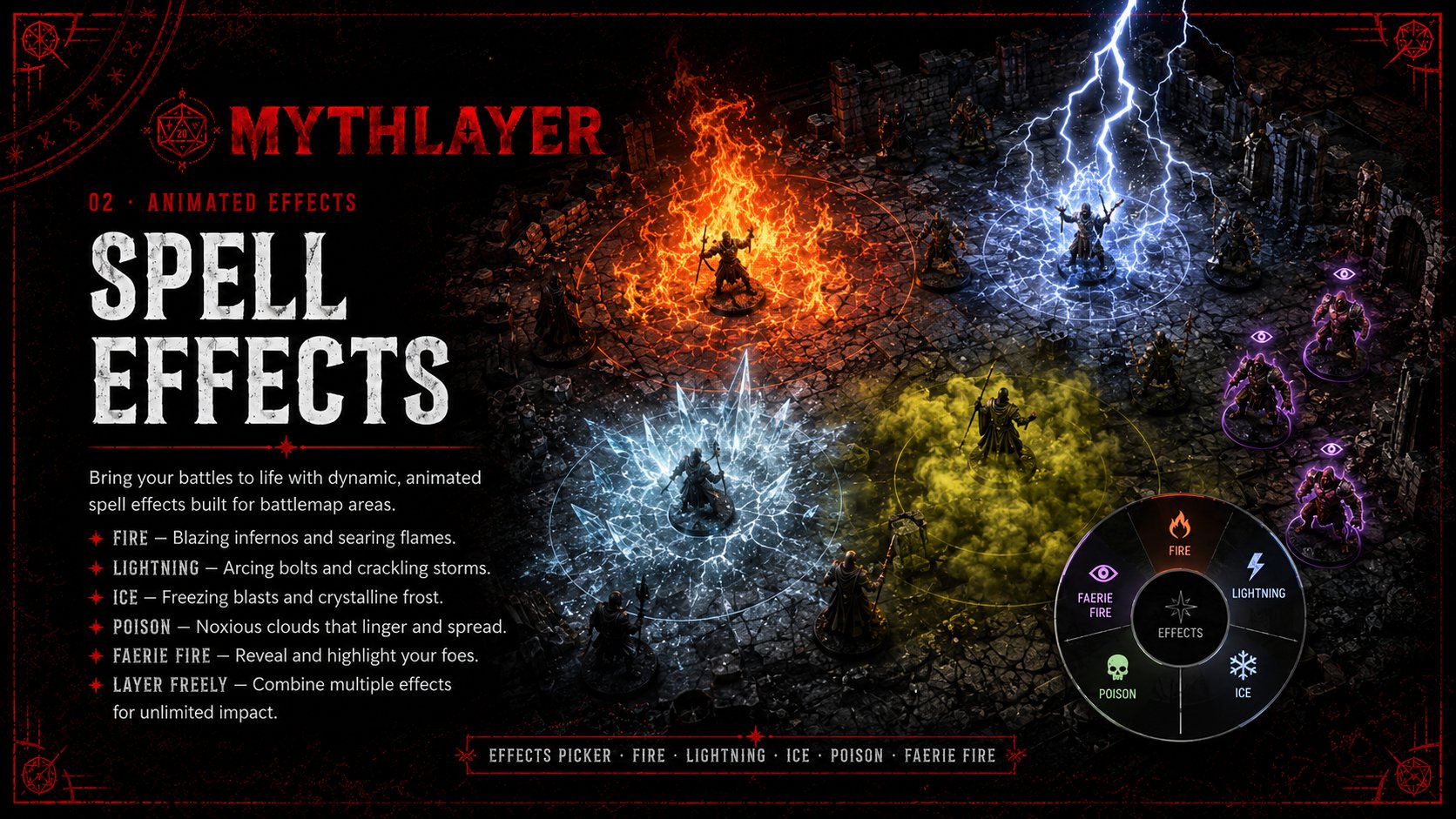
Spell Effects — fire, lightning, ice, poison, and faerie fire animated overlays
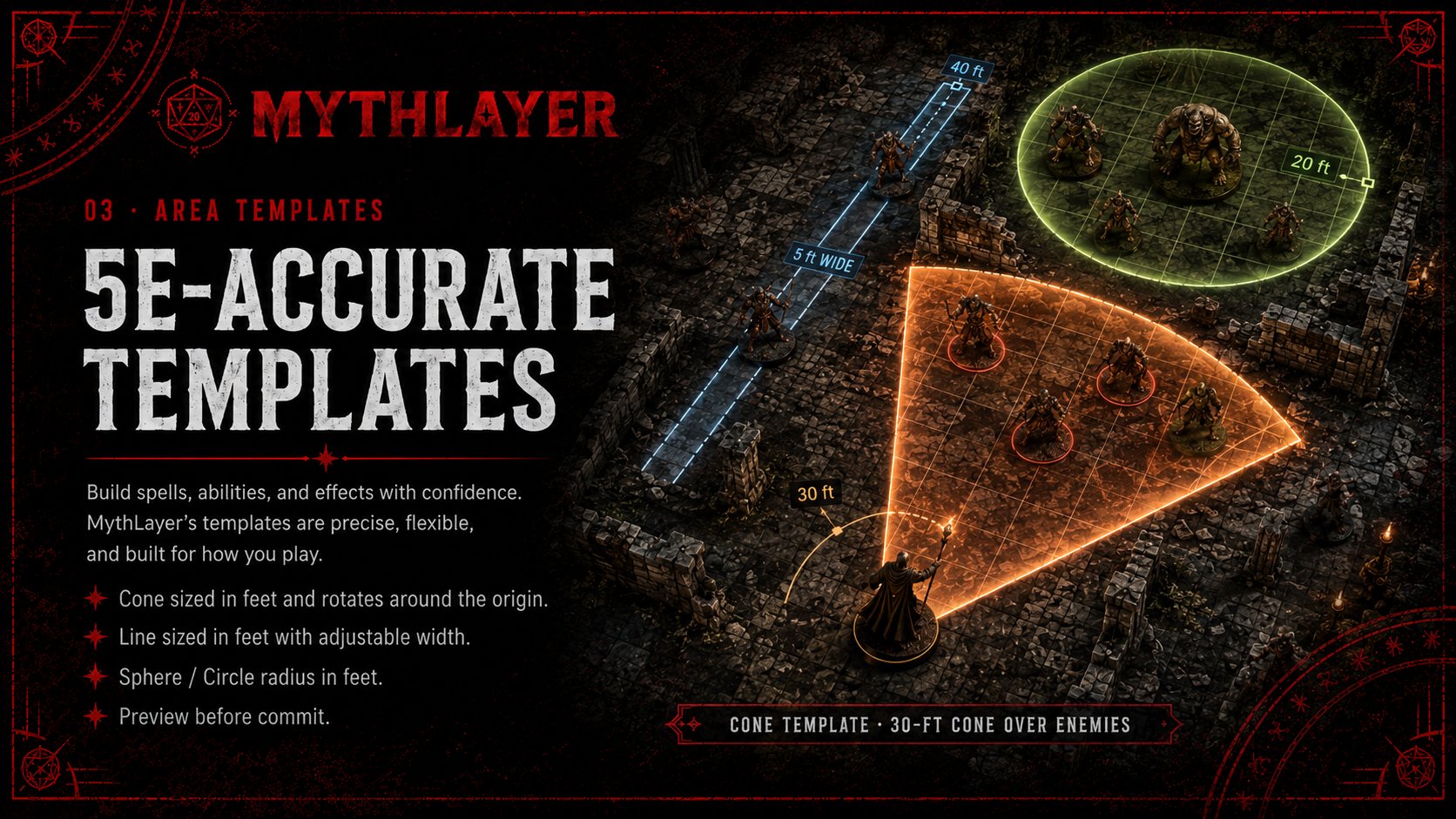
5e-Accurate Templates — cone, line, and circle templates sized in feet
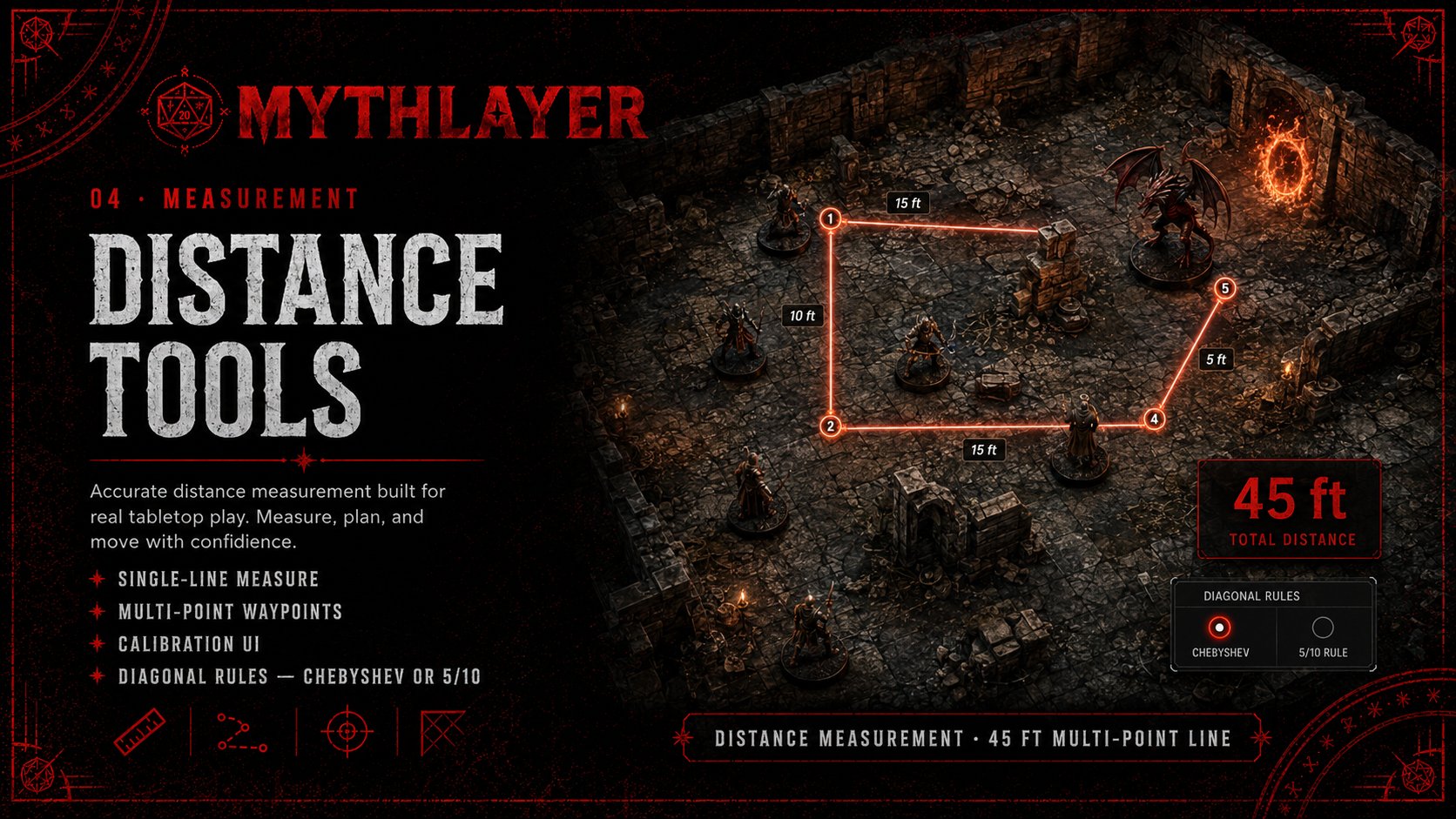
Distance Tools — single-line and multi-point measurement with diagonal rules
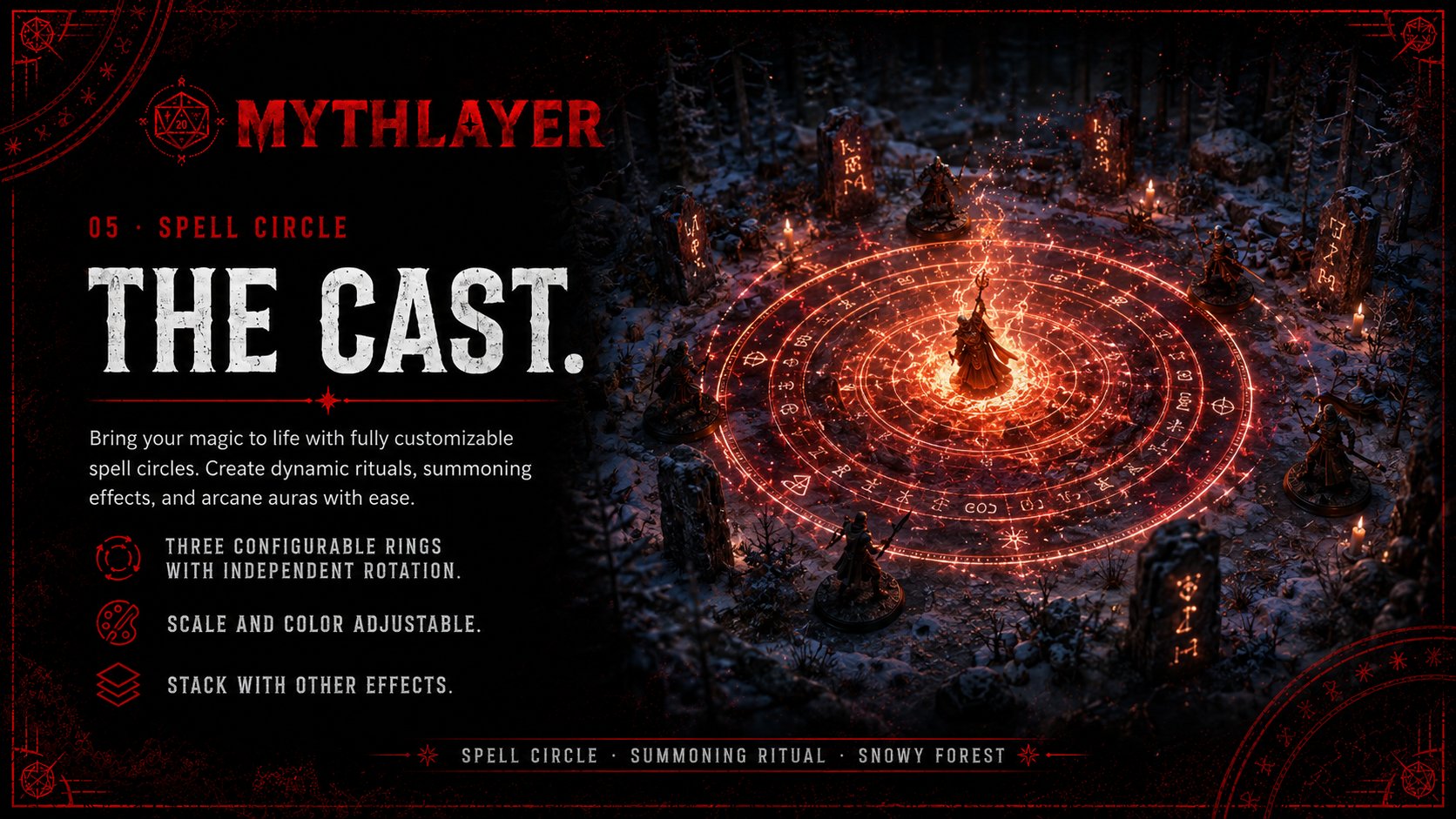
The Cast — customizable spell circles with three configurable rings and independent rotation
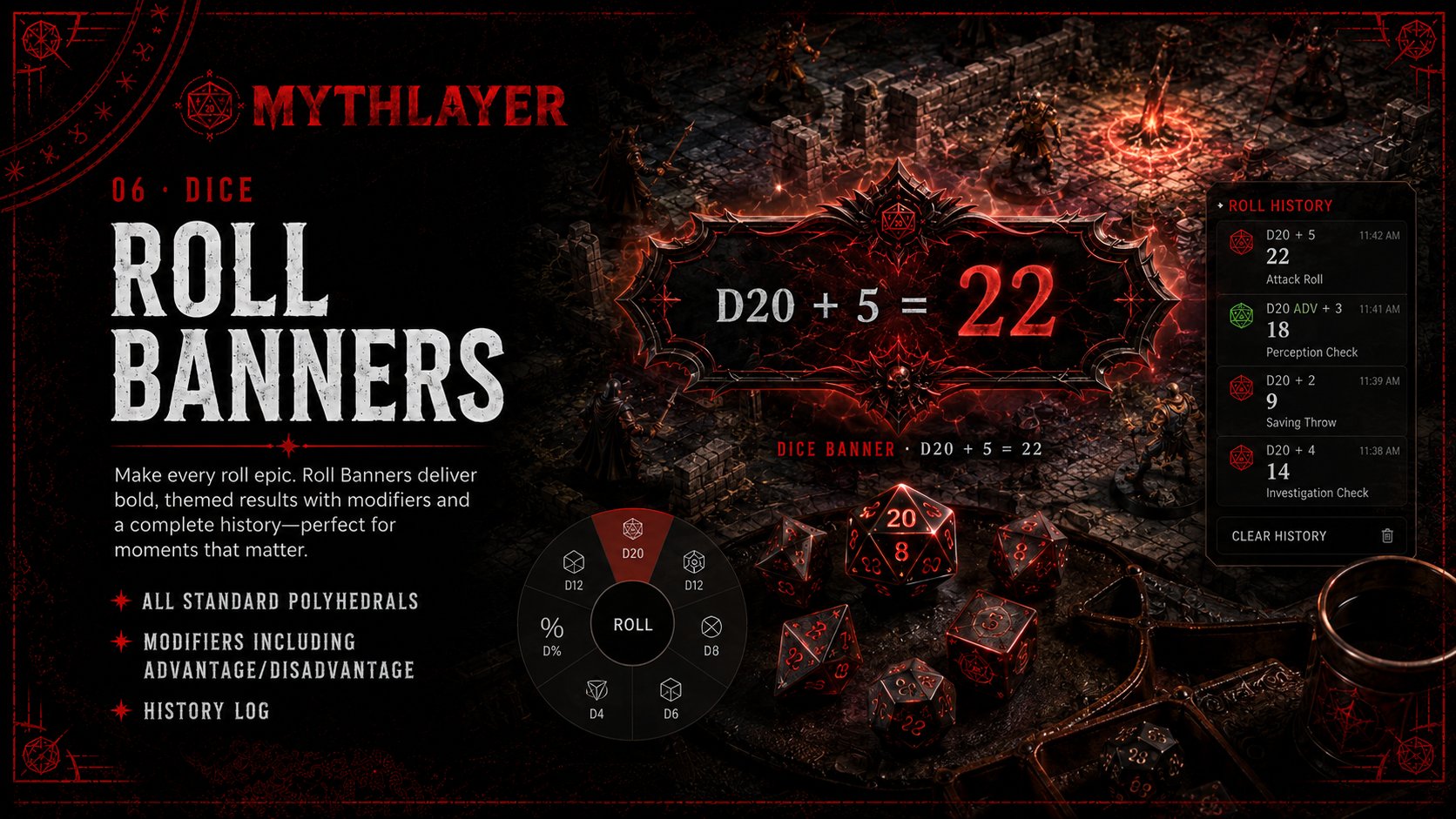
Roll Banners — themed dice rolls with modifiers, advantage/disadvantage, and history log
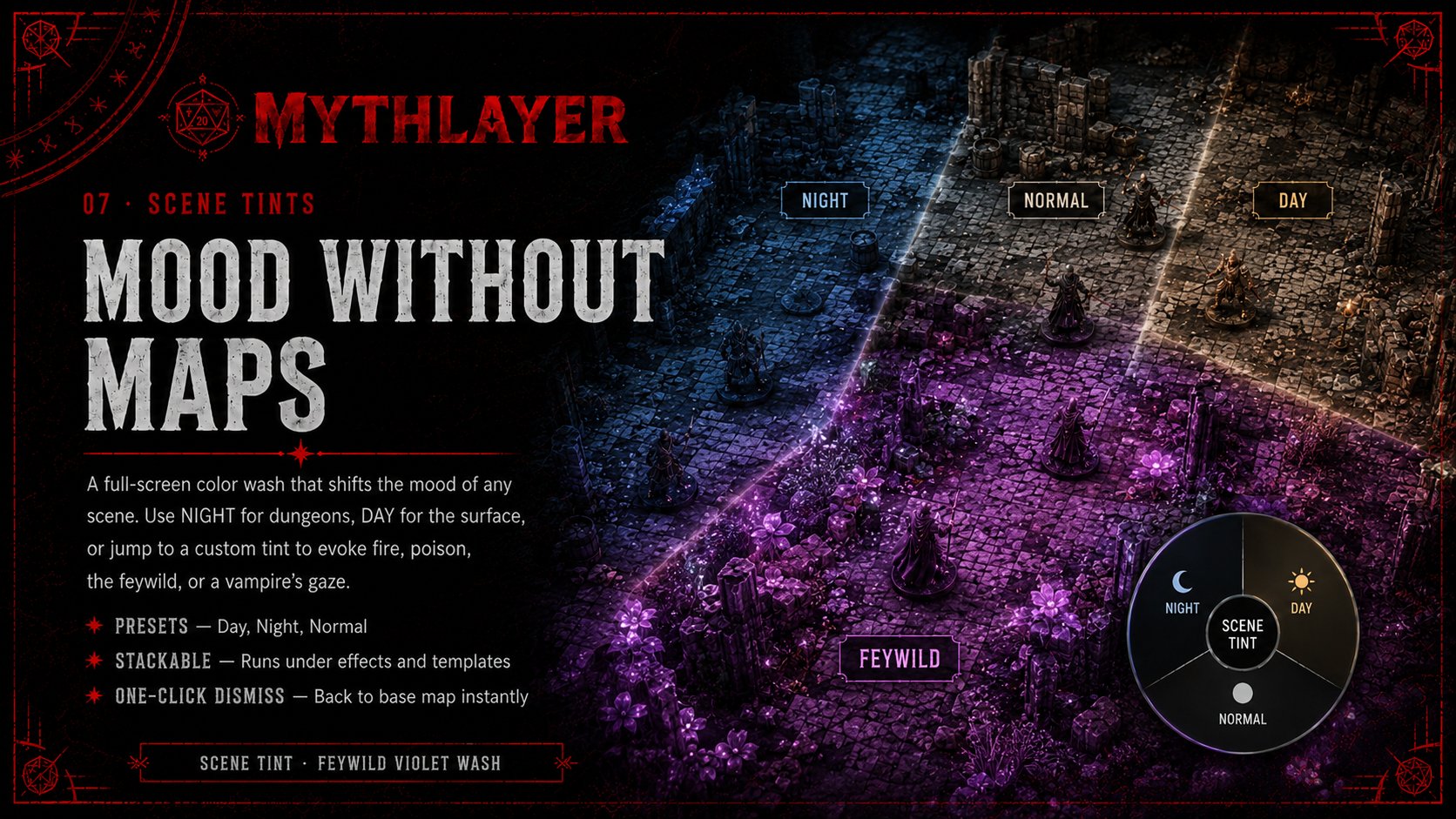
Mood Without Maps — full-screen color washes for Night, Day, Normal, or custom tints
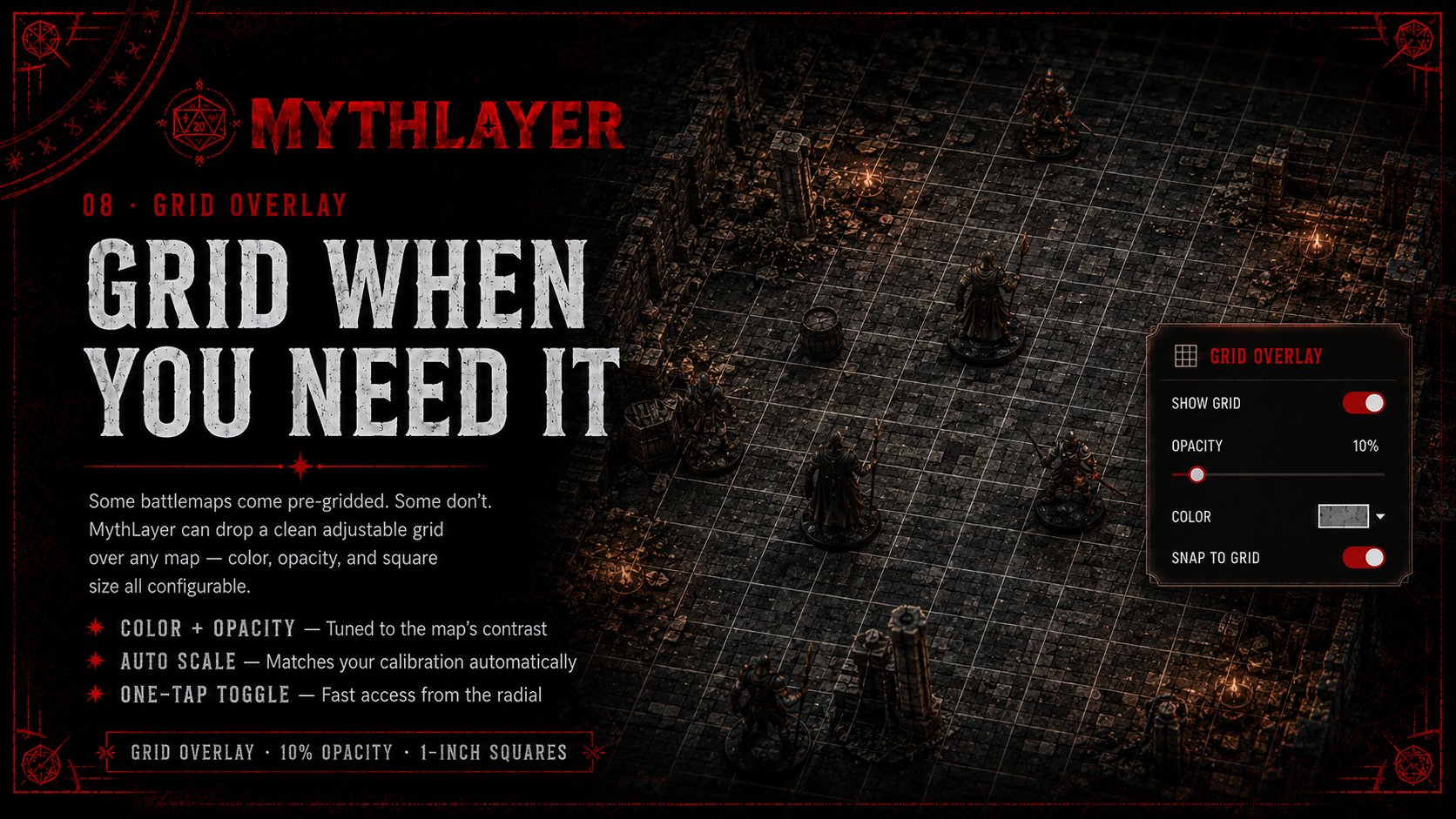
Grid Overlay — adjustable color, opacity, and square size for any map
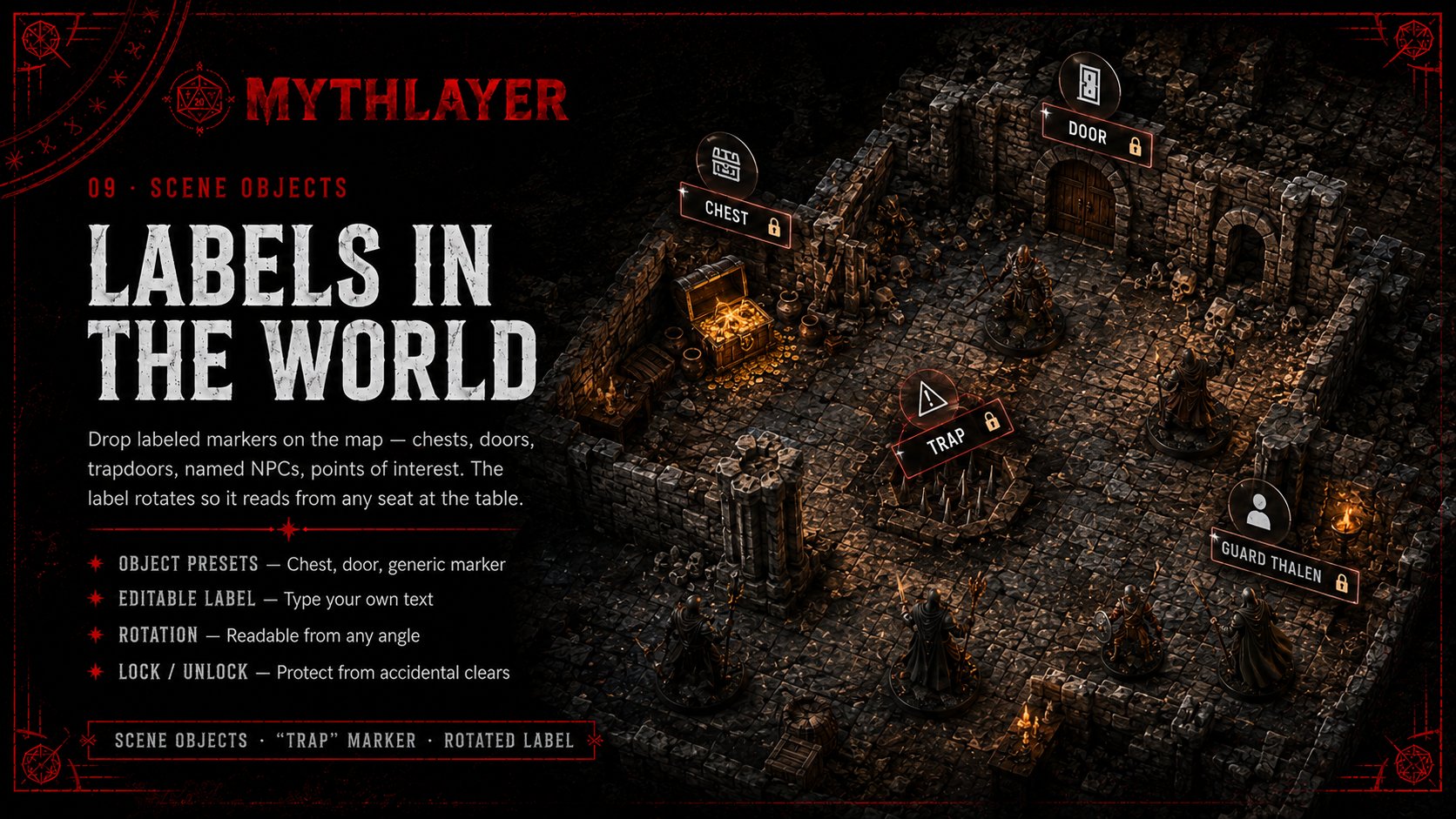
Labels in the World — labeled markers for chests, doors, traps, and NPCs
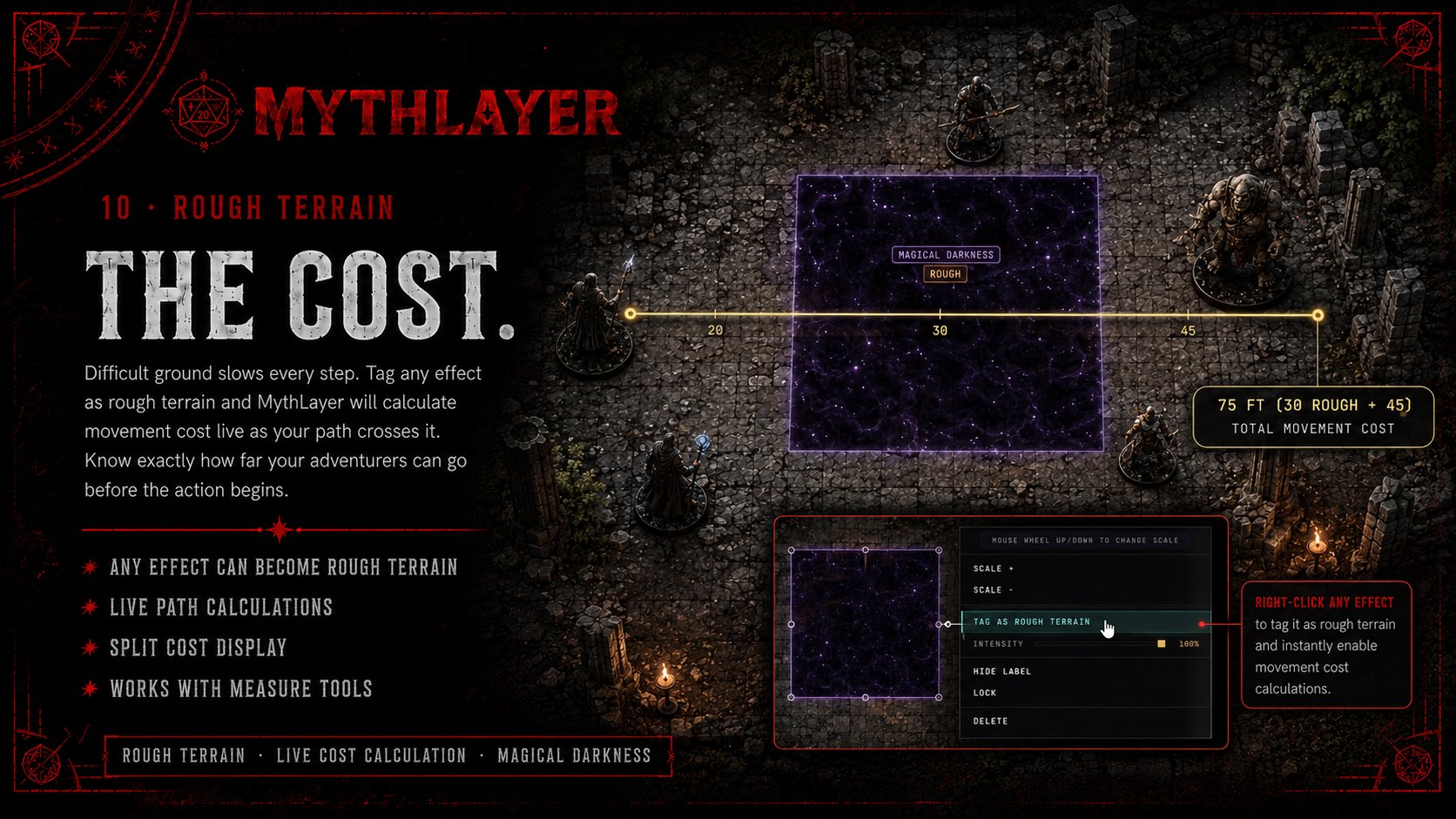
Rough Terrain — tag any effect as difficult ground for live movement cost calculation
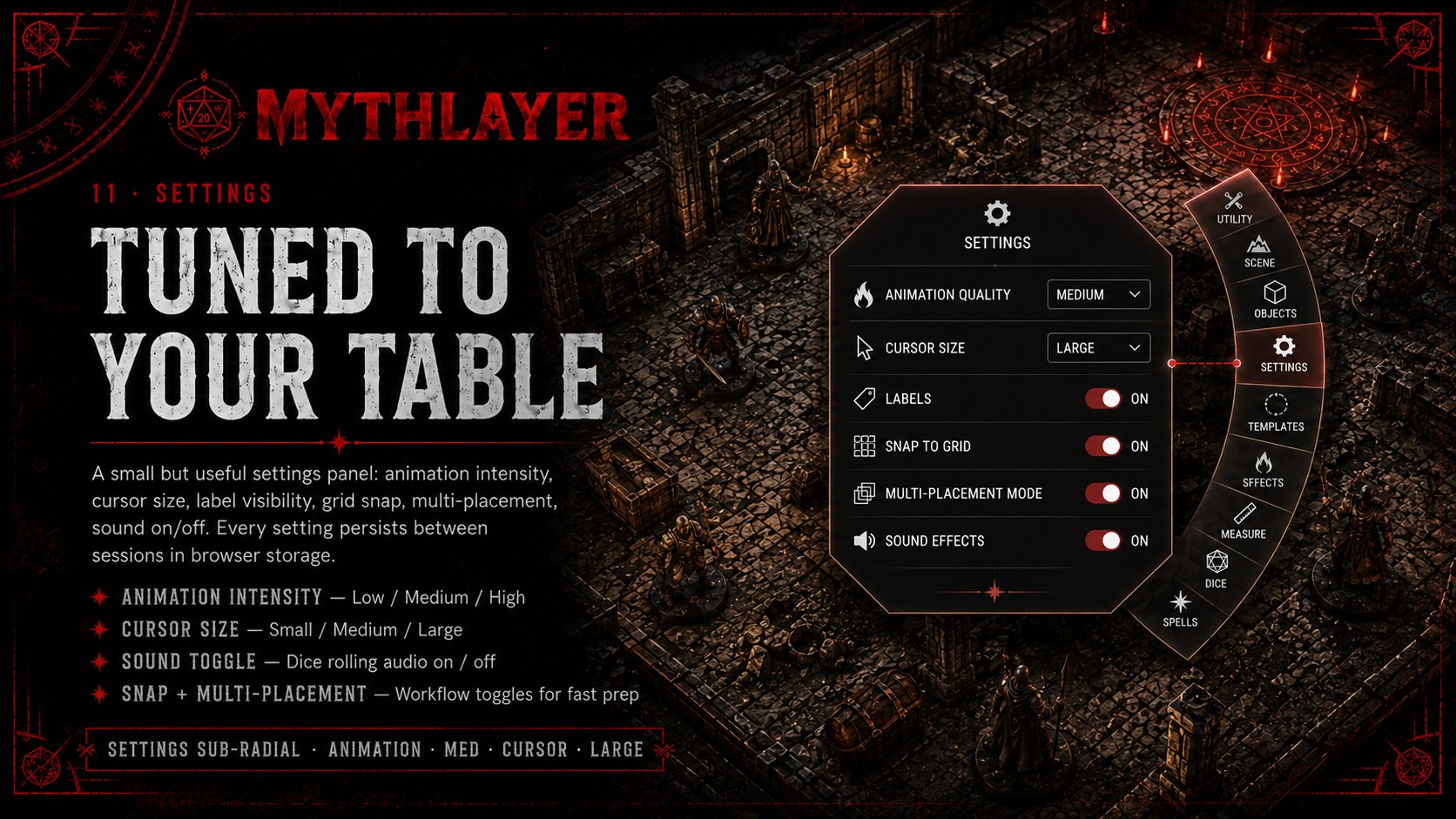
Tuned to Your Table — settings panel for animation intensity, cursor size, labels, snap, and sound

KEYBOARD SHORTCUTS

Power-user keys.

Most actions live in the radial menu, but a few hotkeys are always available.

Right-clickOpen the radial menu
F11 or FToggle fullscreen
EscCancel current action / close menu
CClear all placements (with confirm)
17Quick-select common tools

Try it for yourself.

The demo loads with a default battlemap and two of the tools enabled. Right-click anywhere to start.